55. Contour Analysis
The Contour Analysis page lets you inspect the geometry quality of the current airfoil. It is meant as a diagnostic tool for the contour-preparation stage and helps answer a simple question: is the current contour smooth enough for the mesh I want to build?
56. Available Inputs
The page allows you to choose:
the contour source
the quantity to plot
Contour source:
Raw
Refined
Plot quantity:
Gradient
Curvature
Radius
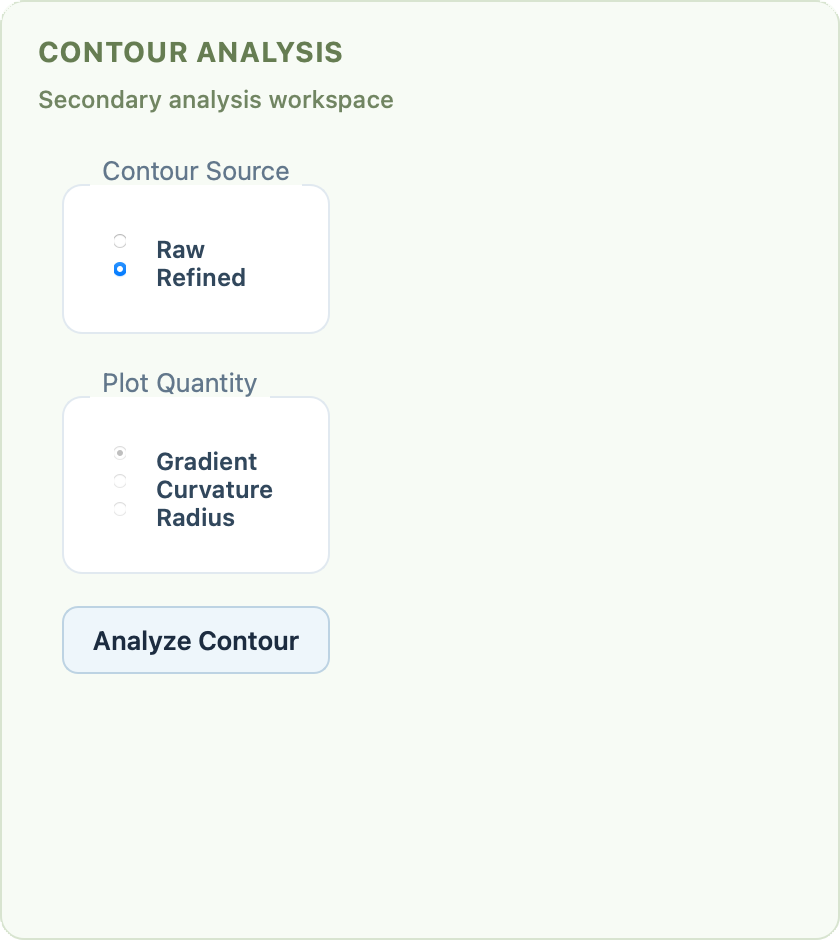
Contour Analysis page with source and plot-selection controls.
57. Typical Use
The most common sequence is:
load an airfoil
prepare and refine it
open Contour Analysis
click Analyze Contour
switch between gradient, curvature, and radius plots
This makes it easy to compare the raw geometry with the prepared one and to check whether the leading edge and trailing edge are being resolved the way you expect.
58. What to Look For
Useful signs during inspection include:
smoother curvature behavior after preparation
fewer abrupt spikes caused by sparse raw point distributions
a cleaner radius profile around the leading edge
If the refined contour still shows undesirable spikes, go back to Splining and Refining Airfoil Contours and adjust the point count or refinement tolerance.
59. Workspace Integration
The contour analysis view lives in the same workspace as the graphics viewer, so switching between geometry inspection and mesh inspection stays fast.

Contour analysis canvas inside the shared workspace.