74. Settings
PyAero keeps its runtime behavior in a small set of plain-text configuration files. The most important locations are:
config/config.iniresources/Shortcuts/shortcuts.jsonconfig/shortcuts_user.json
75. Main Runtime Settings
Most application settings live in config/config.ini.
Important sections include:
[Paths]Controls the data directory, airfoil library root, output folder, and log folder.
[Application]Controls the predefined airfoil, decimal separator, and exit behavior.
[Window]Controls the startup window mode and the three configurable window-size presets.
[Graphics]Controls marker size, zoom anchoring, zoom limits, rubber-band threshold, and view style.
[Magnifier]Controls the built-in magnifier size and magnification.
[Dialogs]Defines the default file filters used by dialogs.
[Logging]Controls message coloring and related behavior.
The settings editor in the GUI exposes these same groups in an editable dialog, which is useful when you want to inspect or adjust advanced values without opening the INI file directly.
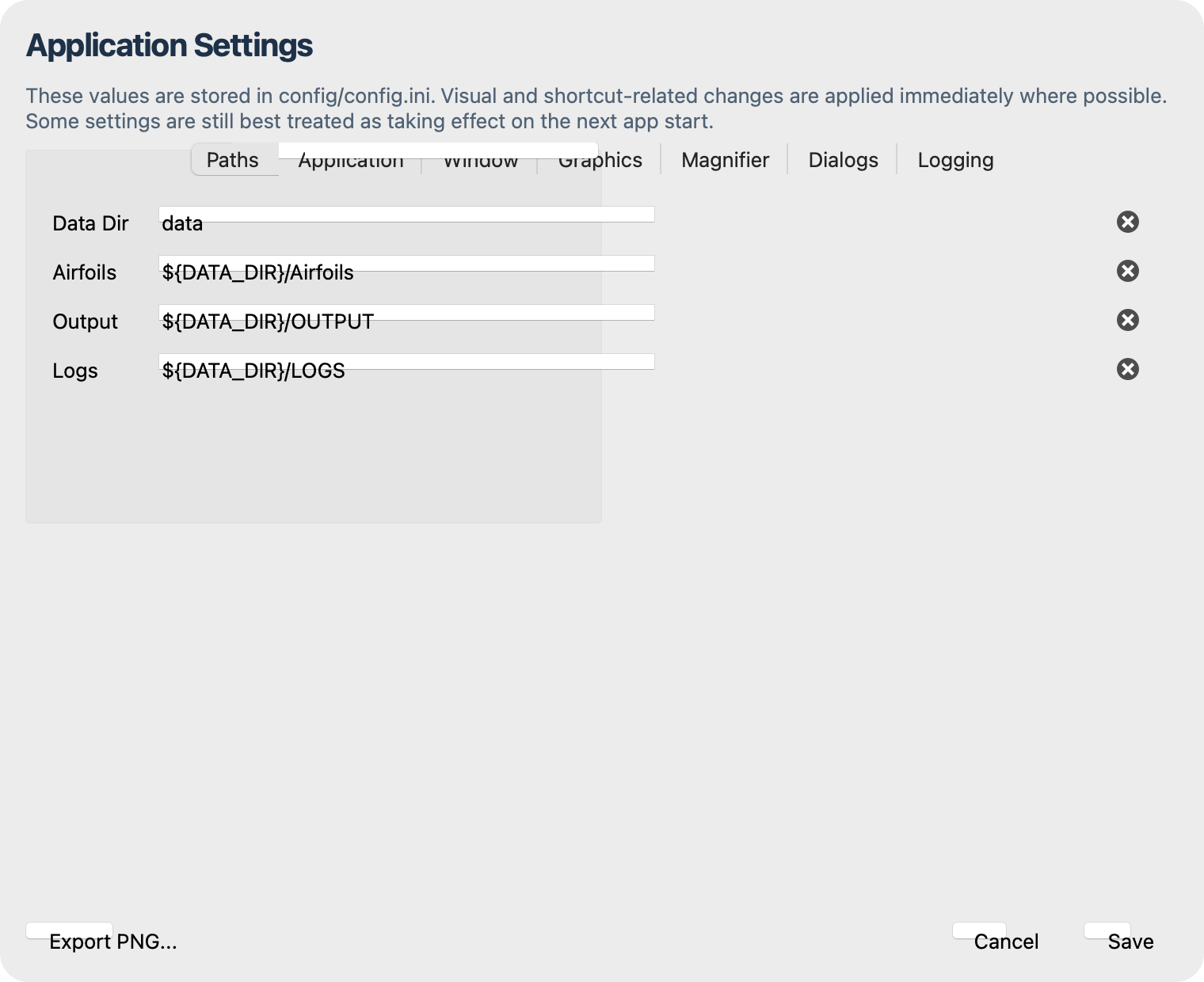
Settings dialog for editing the runtime configuration.
76. Airfoil Paths
Two settings matter most for everyday use:
AIRFOILSdefines the root of the airfoil libraryDEFAULT_AIRFOILdefines what is loaded by the predefined-airfoil action
The local airfoil library is managed automatically below the configured airfoil root.
77. Keyboard Shortcuts
PyAero’s shortcut system is registry-driven.
Built-in defaults live in
resources/Shortcuts/shortcuts.jsonUser overrides are stored in
config/shortcuts_user.json
The shortcut editor in the GUI reads and writes these same definitions, so manual edits and GUI edits stay aligned.
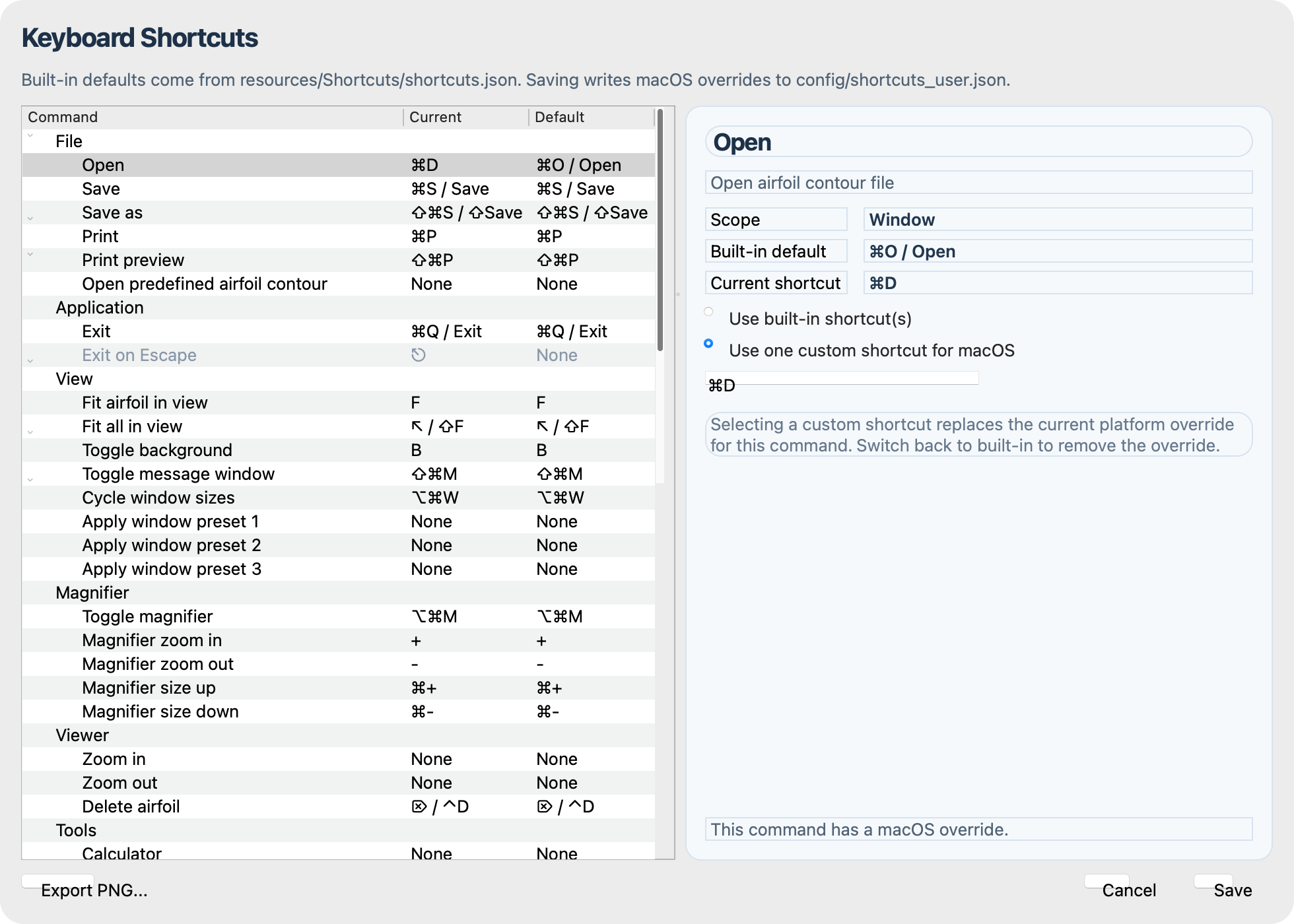
Keyboard shortcut editor with default and overridden bindings.
79. Maintenance Dialogs
Two additional dialogs help with UI maintenance and general reference work:
Icon Preview shows the semantic icons and bundled app artwork used across the interface
About PyAero summarizes the application, licensing, and environment details
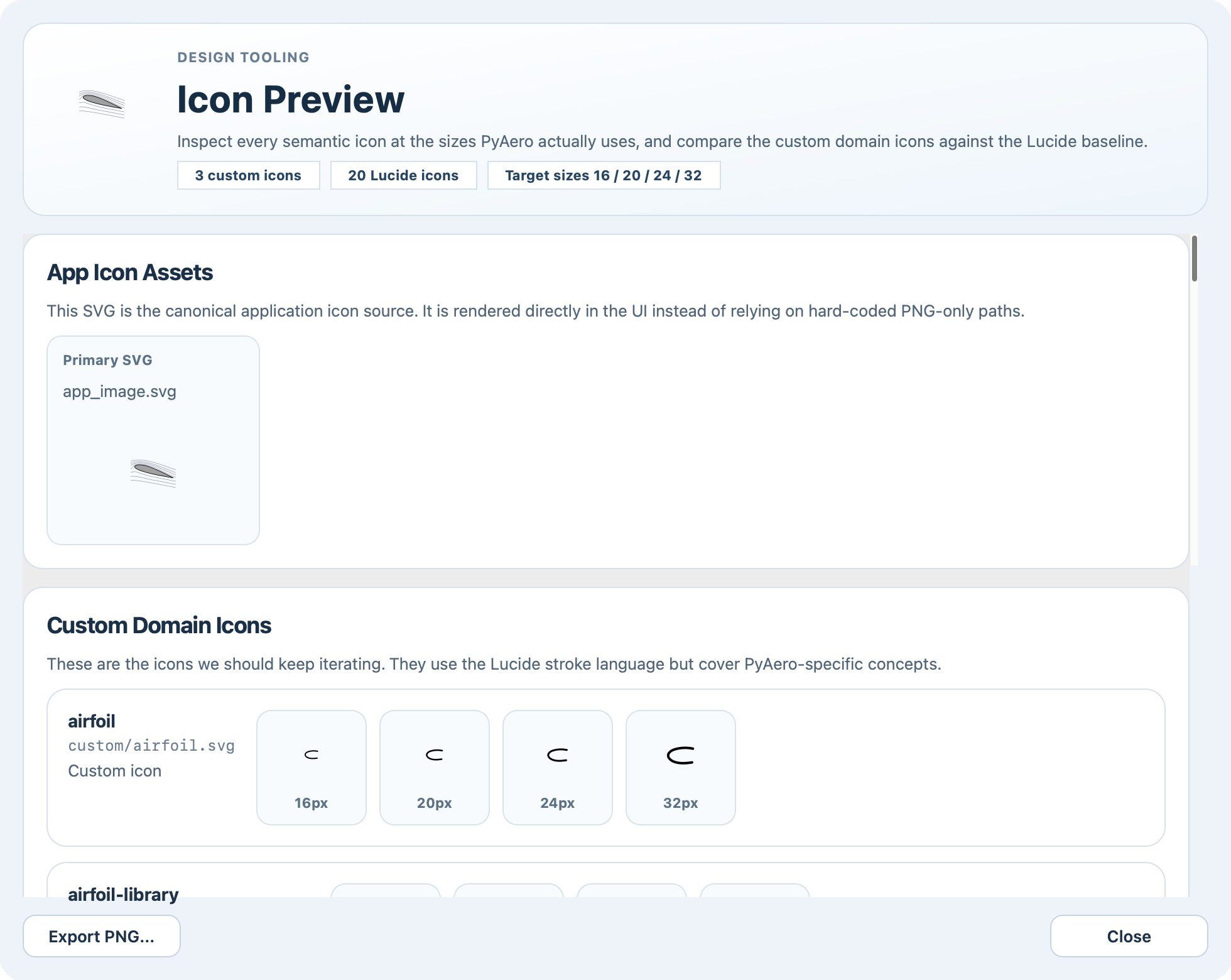
Icon preview dialog for checking semantic icons and bundled assets.
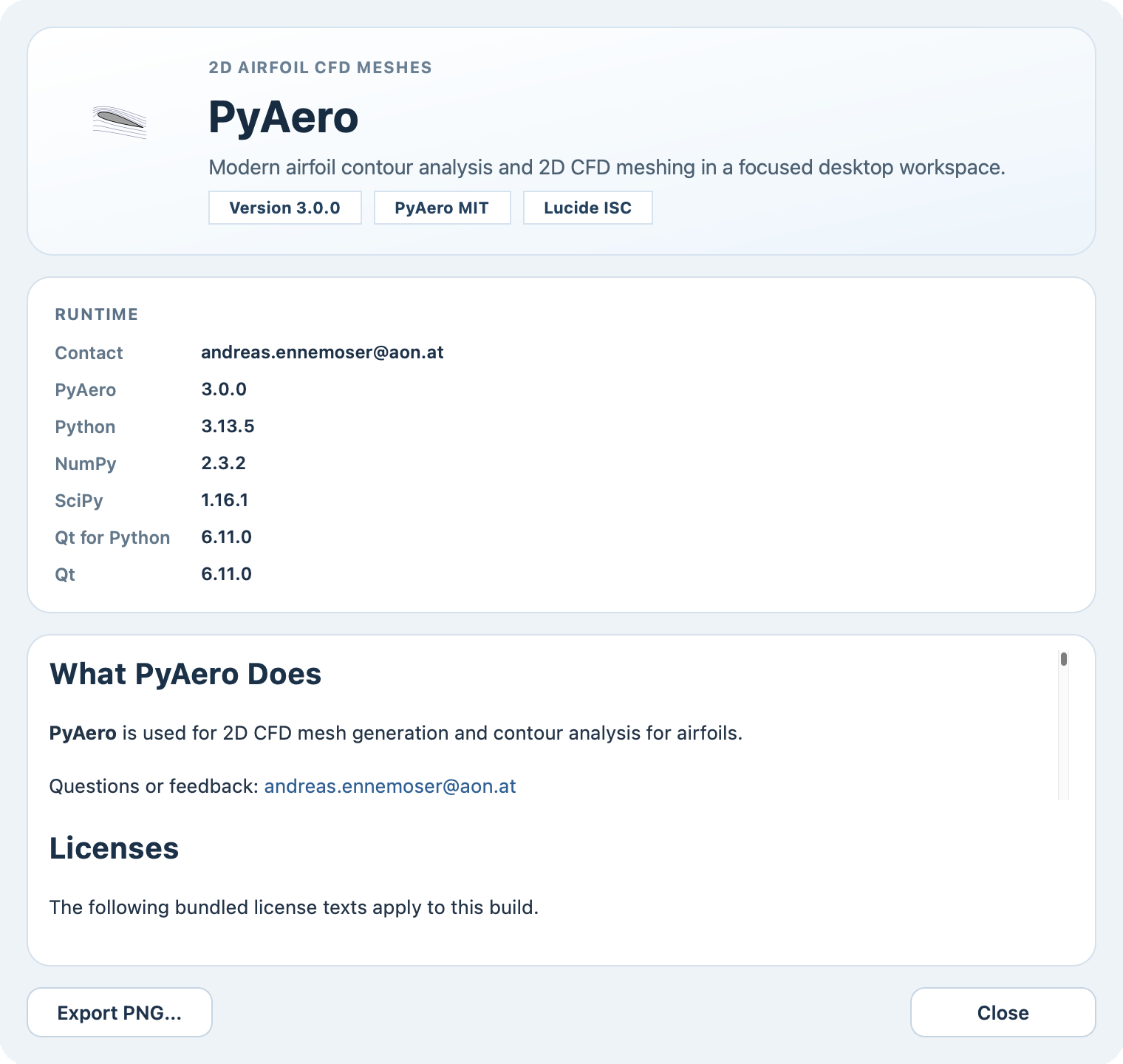
About dialog with project, license, and environment information.
80. Launch Location
PyAero should be started from the repository root. The application expects bundled resources such as menus, icons, and airfoil data to resolve relative to that location.
81. Window Presets
The View menu now contains a Window Size submenu with:
a cycle action
preset 1
preset 2
preset 3
The presets are configured in config/config.ini as x, y, width, height tuples. The startup mode can either be maximized or one of the preset entries.