22. Loading Airfoils
PyAero now centers the loading workflow around the Airfoil Library page, while still supporting direct file loading and drag-and-drop for quick use.
23. Airfoil Library
The library page is the main entry point for airfoil files. It provides:
a searchable list of available airfoils
source filters for Bundled, Local, and All
a status area showing where the selected entry lives
direct actions for opening an external file, importing a file into the local library, or loading the selected entry
Bundled entries come from the repository’s configured airfoil root. Local entries live under the automatically managed local library folder inside that root.
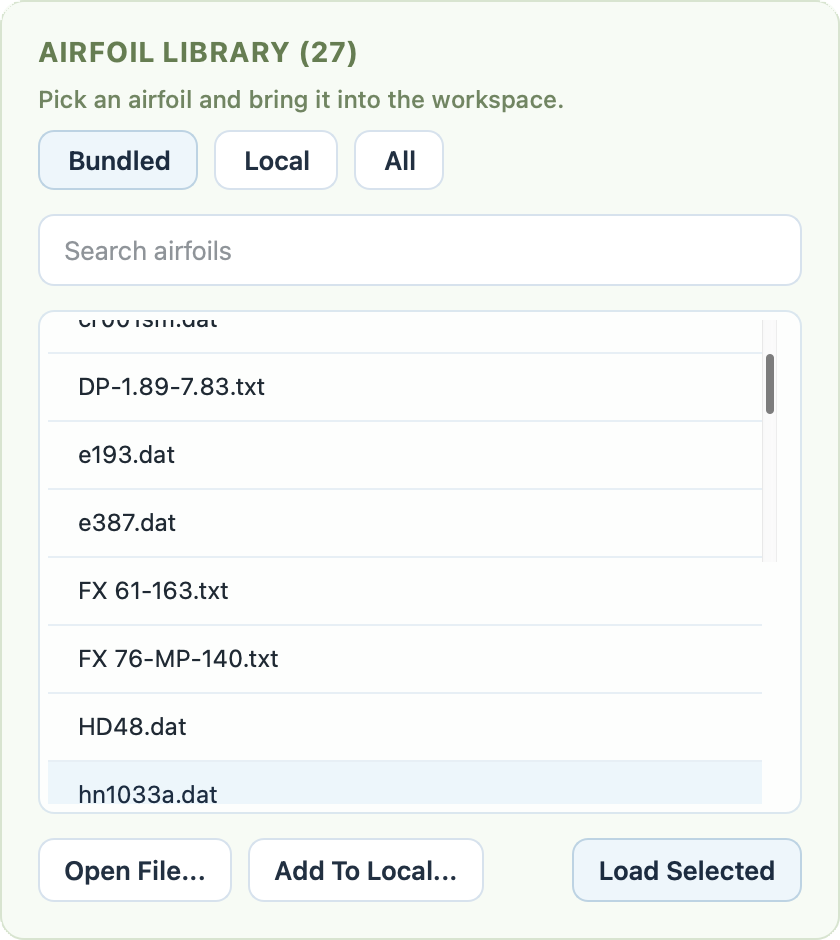
The Airfoil Library page with search, source filters, and load/import actions.
24. Supported File Types
The main airfoil loading workflow accepts:
.dat.txt
These are interpreted as airfoil contour files.
25. Open an External File
There are two straightforward ways to open a contour file from outside the library:
Open File… in the library page
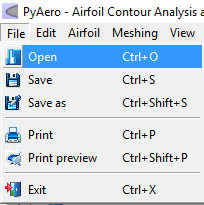
Opening an external contour file through the standard file dialog.
26. Import into the Local Library
If you want an external file to become part of your recurring working set, use Add To Local…. PyAero copies the selected contour into the managed local library folder and makes it available through the Local and All filters.
This is useful when:
you frequently reuse a custom airfoil
you want a small curated project-specific library
you want to keep external downloads separate from the bundled sample collection
27. Toolbar Shortcuts
The traditional toolbar entries are still available for quick access:
open a contour file
load the configured predefined airfoil
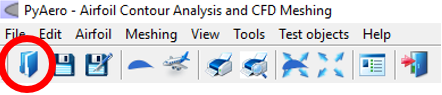
Toolbar button for opening an external contour file.
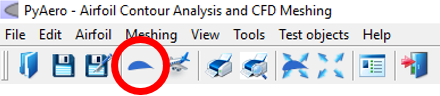
Toolbar button for loading the predefined airfoil.
28. Drag and Drop
You can also drag one or more contour files directly into the graphics view. PyAero will register the dropped airfoils in the workspace and activate one of them immediately.
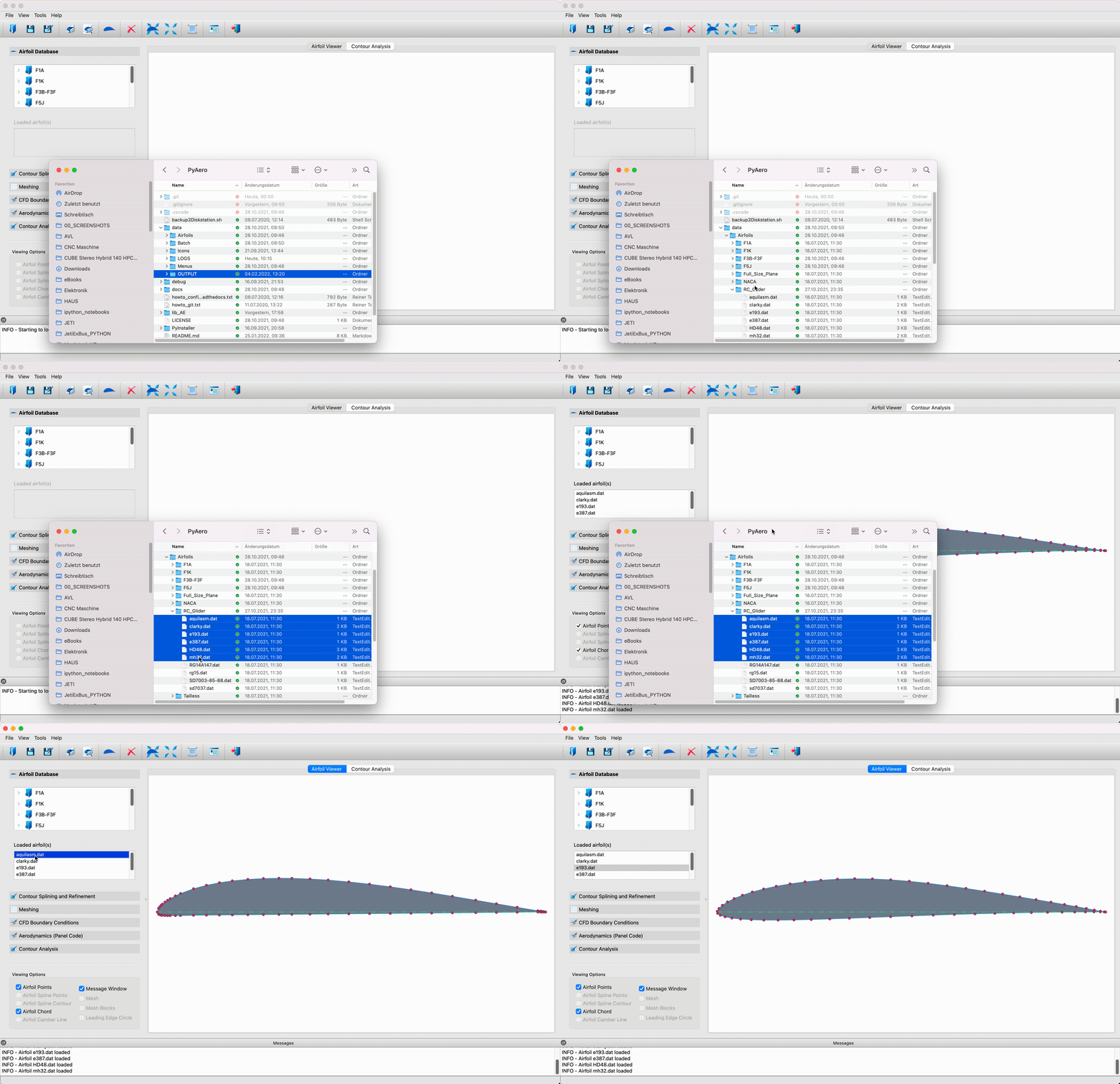
Loading airfoils by drag and drop.