30. Splining and Refining Airfoil Contours
The geometry-preparation stage exists to turn a raw airfoil contour into a contour that is suitable for structured meshing. This is especially important for older airfoil datasets that only contain a modest number of points.
In the current interface, this work happens on the Geometry Prep page.
31. What the Preparation Step Does
Preparing a contour in PyAero combines several tasks:
choose a geometry representation
resample the contour to a practical point count
refine the leading edge recursively
optionally refine the trailing-edge segment distribution
derive curvature and camber-related data for later use
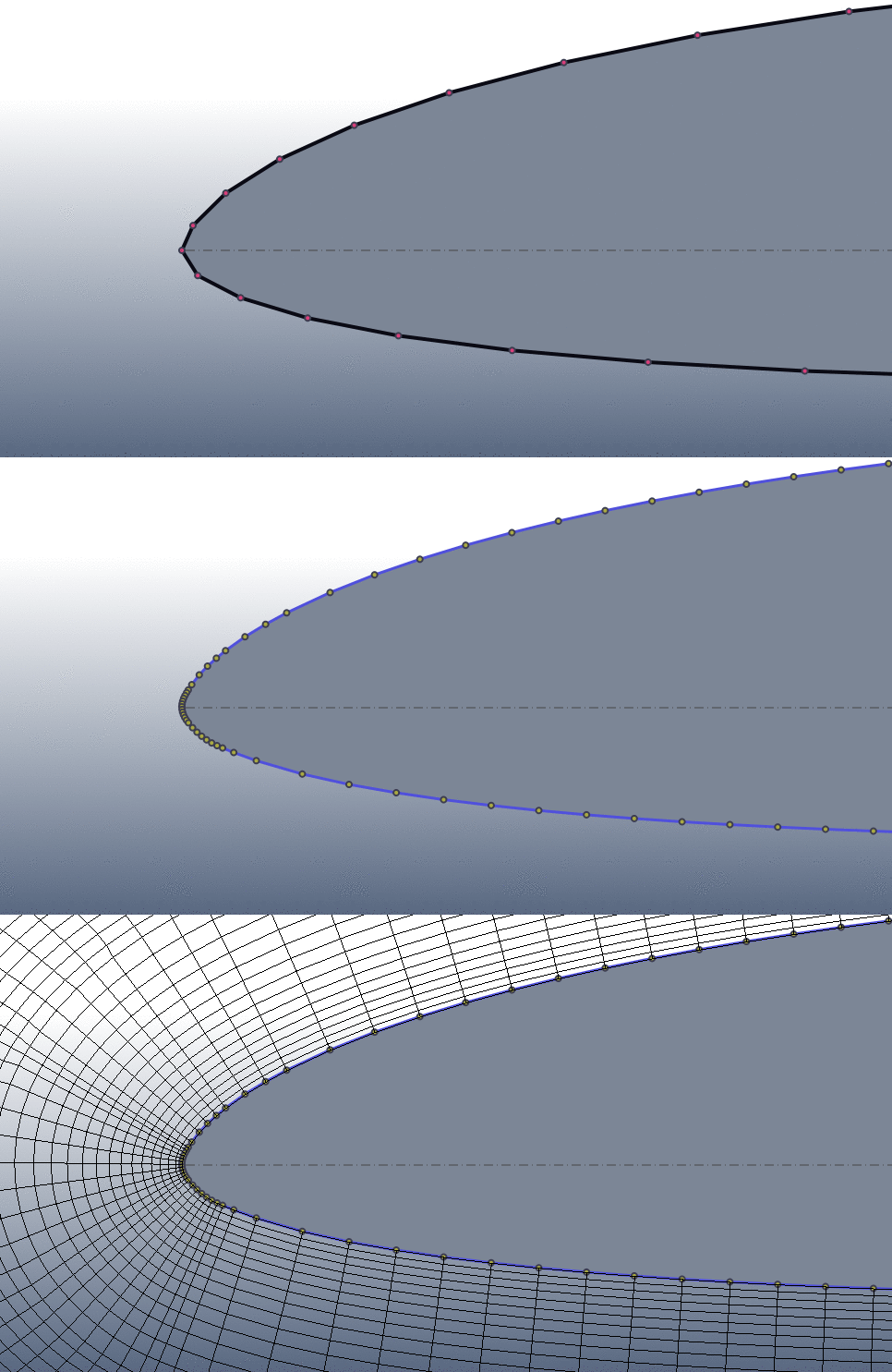
Raw contour versus prepared contour.
32. Geometry Method
The current application offers two preparation modes:
CST
B-spline (legacy)
CST is the modern default and is the best choice when you want a parameterized contour representation and CST coefficient export. B-spline is still available for compatibility with the legacy workflow.
33. Main Controls
The most important controls are:
Geometry method
Refine tolerance
Spline points
Advanced controls cover:
the number of old and new trailing-edge segments
the trailing-edge redistribution ratio
CST order
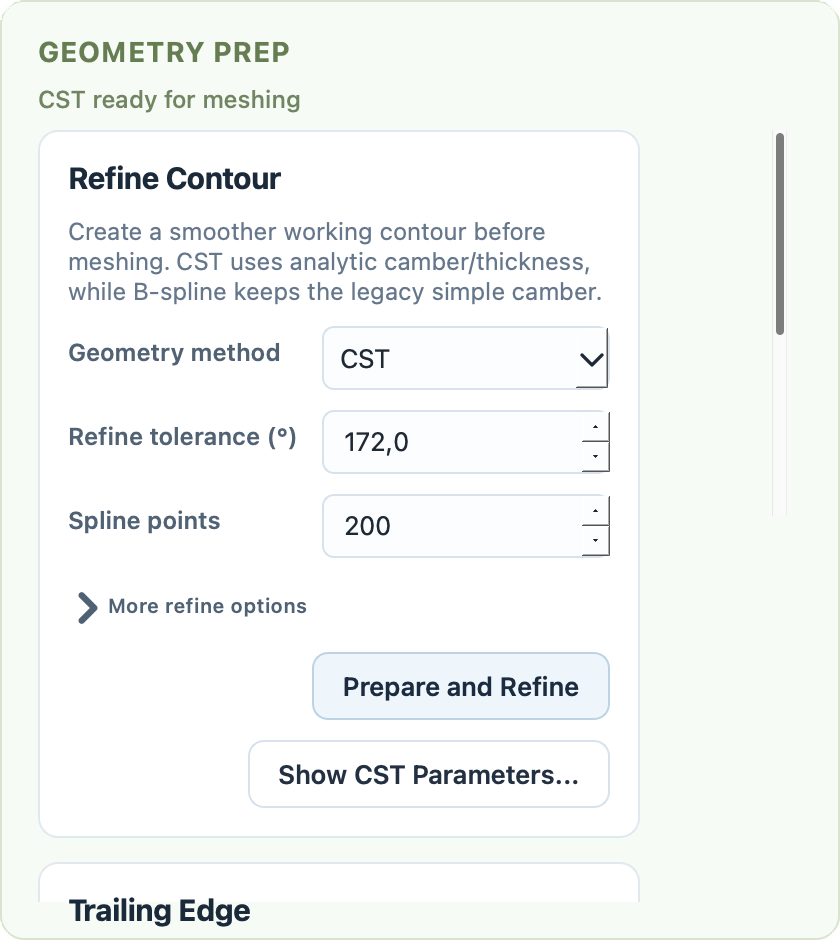
Geometry Prep page with CST, legacy spline, and preparation controls.
34. Leading-Edge Refinement
Leading-edge refinement is based on the angle between neighboring segments on the prepared contour. If the angle is tighter than the chosen tolerance, PyAero inserts additional points and repeats the check recursively until the local resolution is smooth enough for the structured near-airfoil block.
This improves:
the geometric quality of the nose region
the point distribution used by the boundary-layer block
the reliability of curvature-based contour inspection
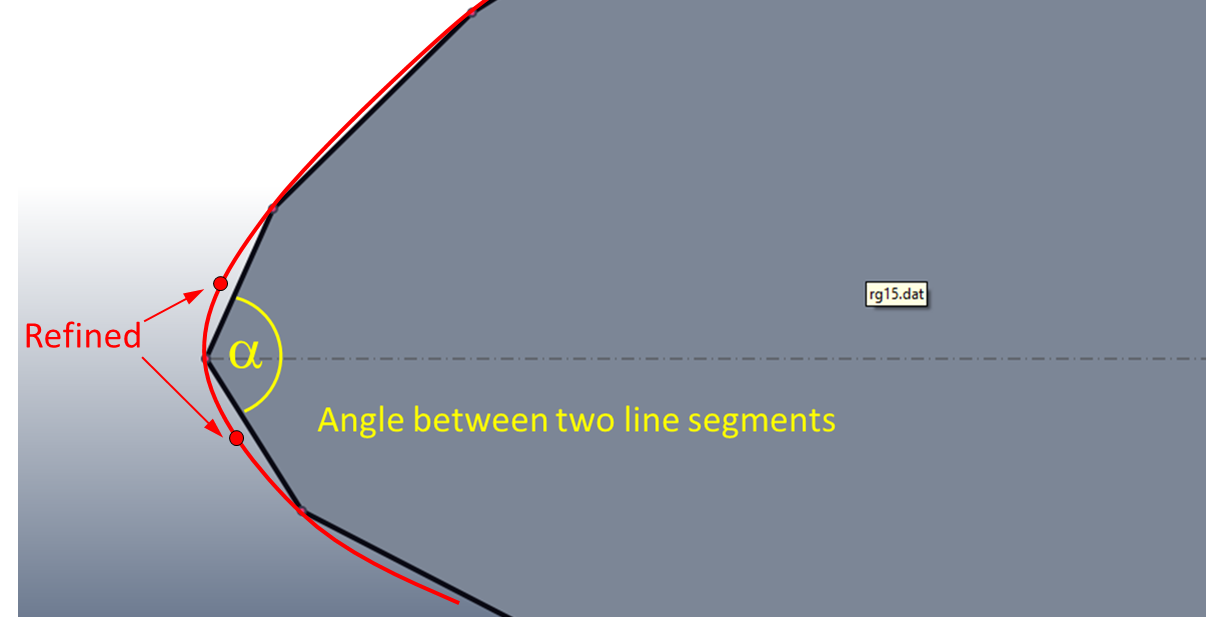
The leading-edge refinement idea.
35. Trailing-Edge Segment Refinement
The trailing-edge refinement controls redistribute a selected number of contour segments at the trailing edge. This is useful even before any finite-thickness trailing edge is added, because the downstream block and wake block depend heavily on the trailing-edge point placement.
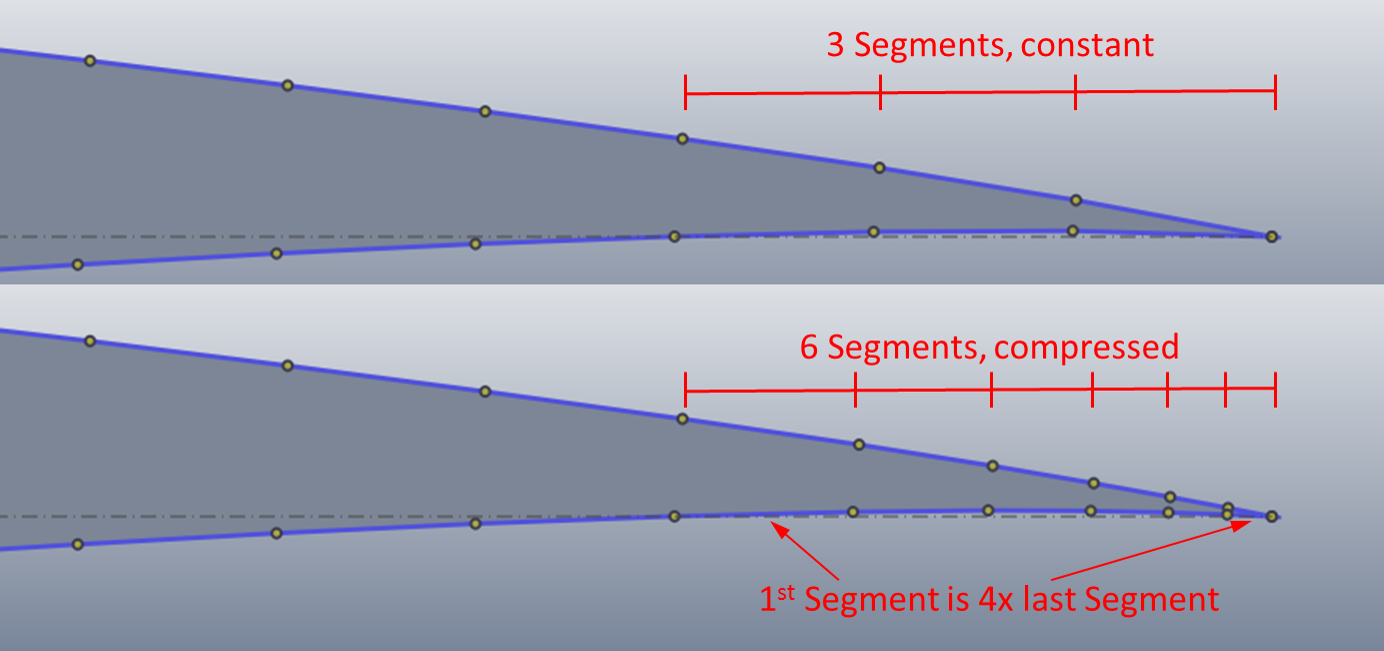
Trailing-edge segment redistribution.
36. Prepared Outputs
After preparing the contour, PyAero can expose and export more than just the visible spline:
the prepared contour itself
the derived camber line
CST coefficients as JSON or CSV when using the CST method
The Show CST Parameters… button opens a dedicated dialog for reviewing and exporting the current CST representation.
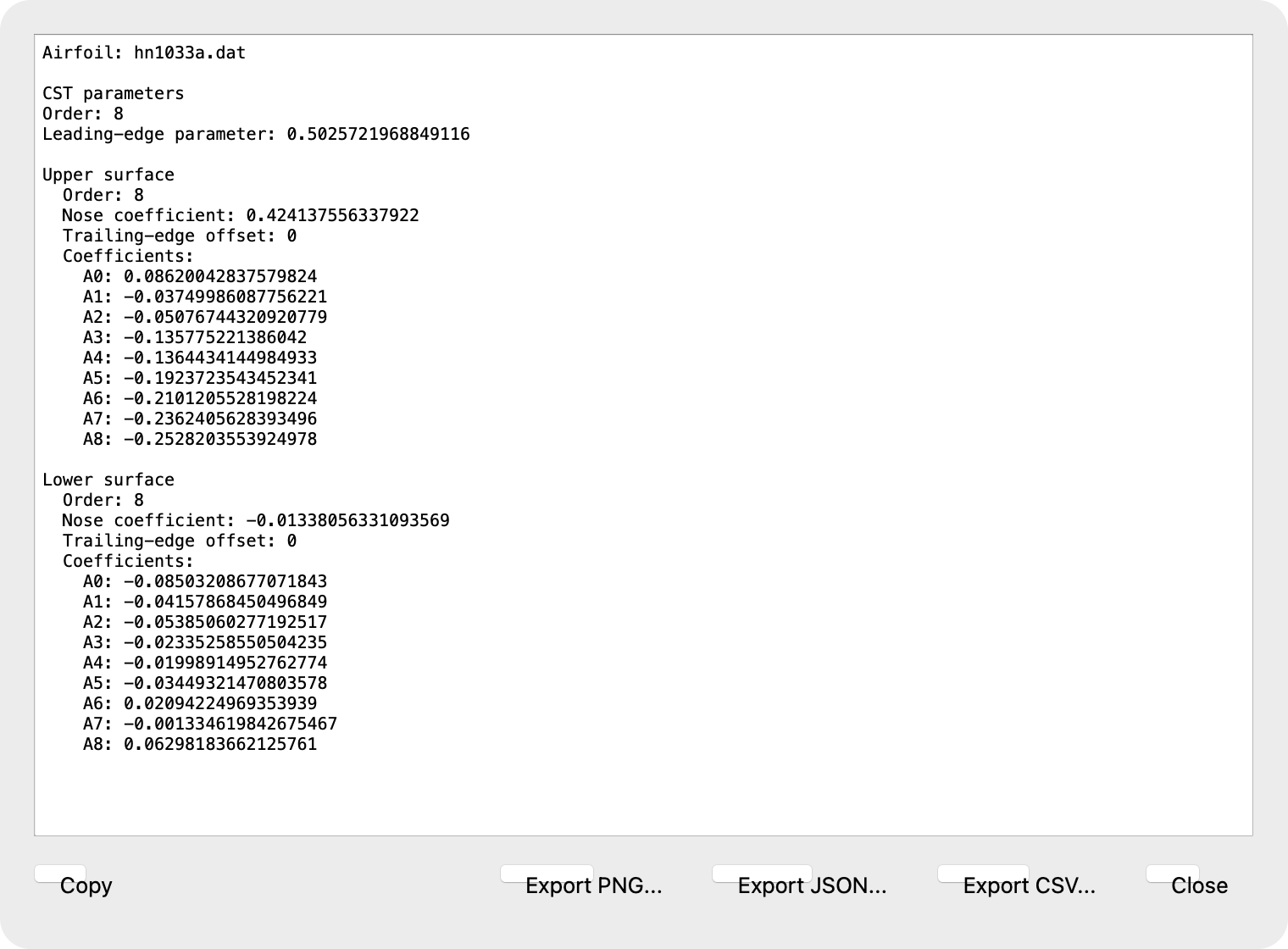
CST parameter dialog for inspecting and exporting the fitted coefficients.
37. Examples
The figures below illustrate how the contour changes with different preparation settings.
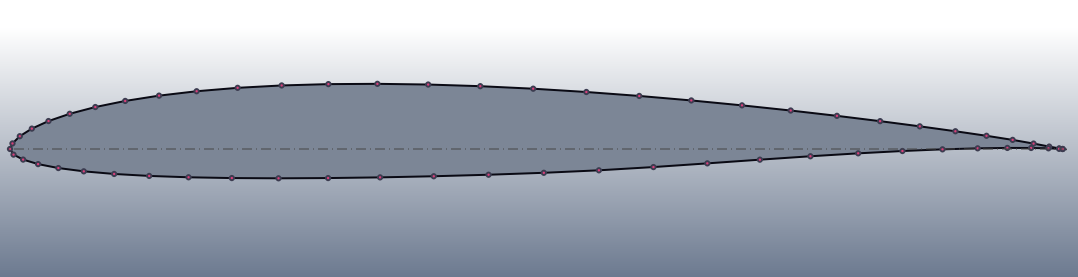
Raw contour points as loaded from file.
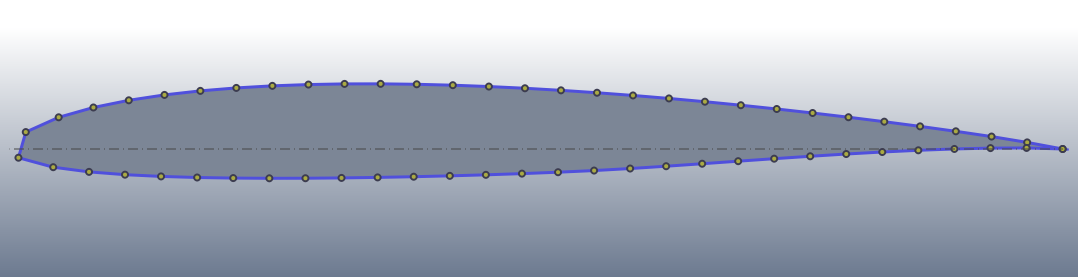
Prepared contour with a moderate number of spline points.
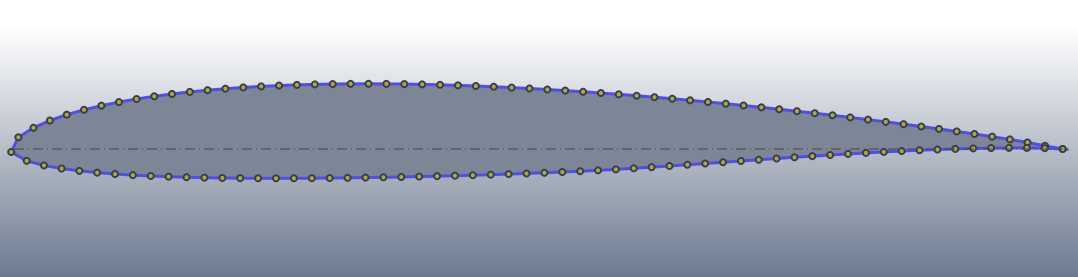
Prepared contour with a denser point set.
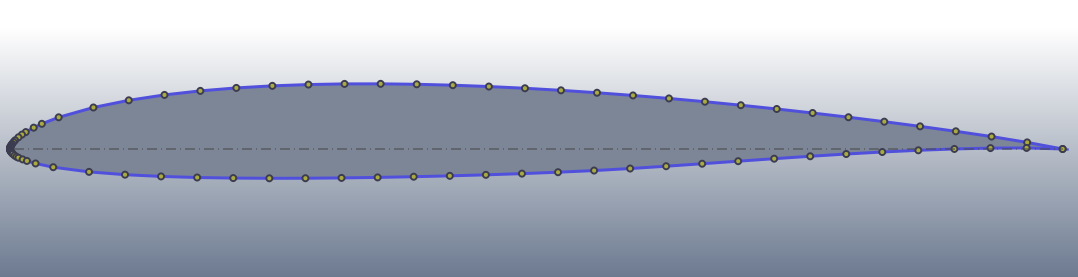
Prepared contour with stronger leading-edge refinement.
38. Next Step
Once the contour looks right, continue with Trailing Edge if you need a finite-thickness trailing edge, or go directly to Making Meshes.