PyAero Documentation
PyAero is a desktop tool for airfoil contour preparation, contour analysis, and 2D block-structured CFD meshing. The project focuses on the work that happens before the solver: turning raw airfoil coordinates into a clean working contour, refining point placement where it matters, generating a structured wind-tunnel mesh, and exporting the result in practical formats.
The application is written in Python, uses Qt for Python for the interface, and is distributed under the MIT license.
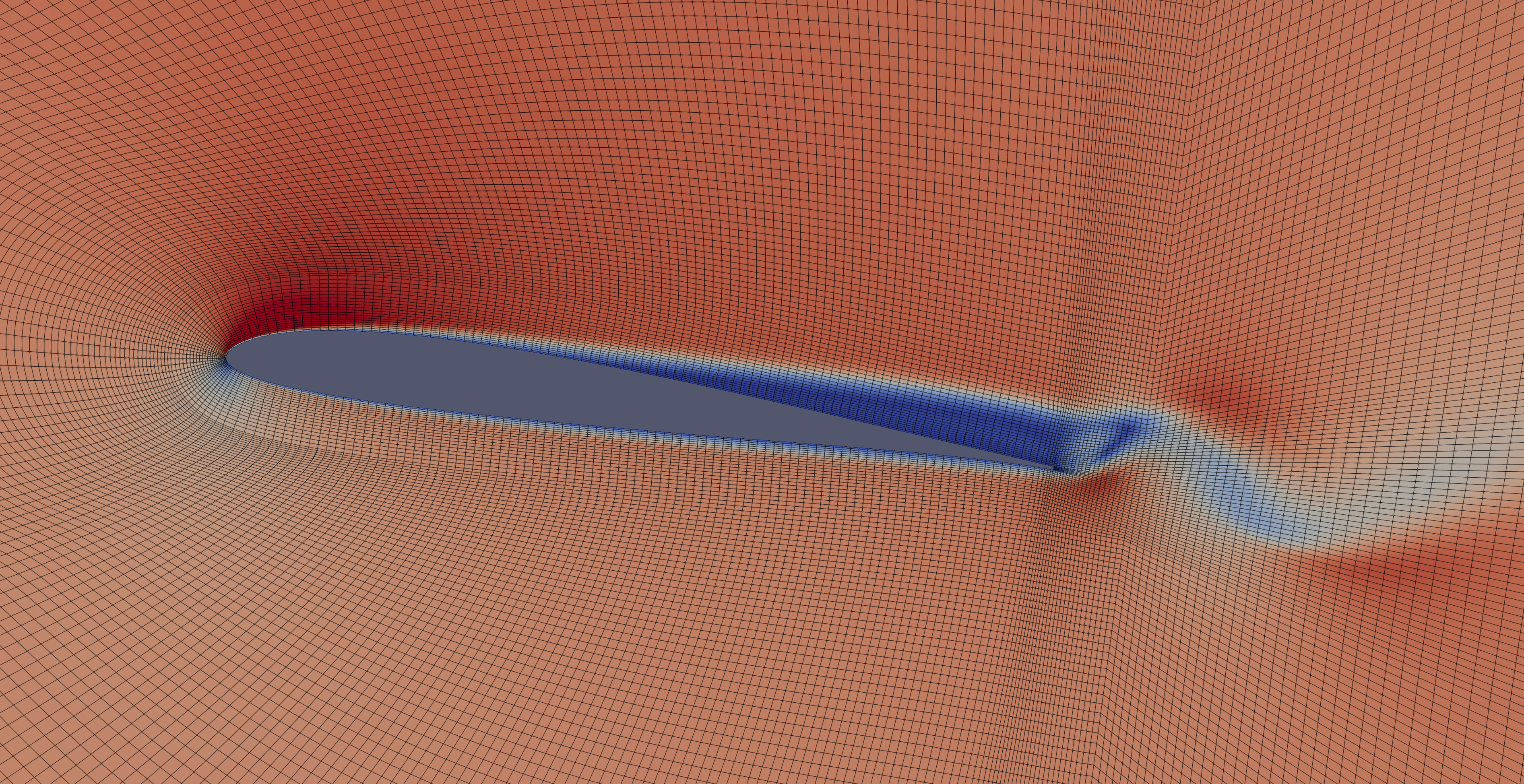
Example PyAero-generated mesh used in a downstream SU2 and ParaView workflow.
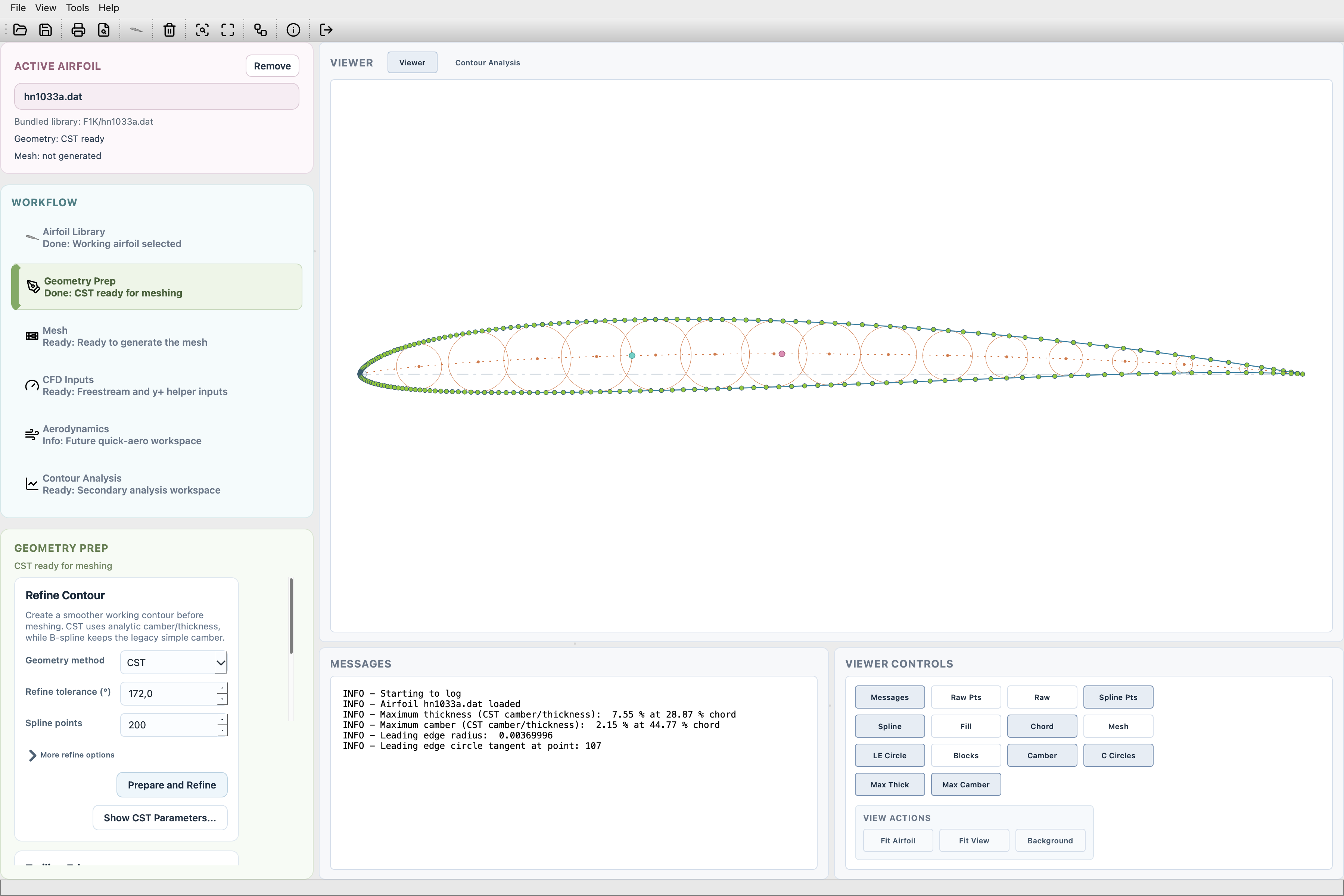
The workflow-oriented PyAero interface with sidebar, viewer, and utility panels.
What PyAero Covers
Load airfoils from the bundled library, a local library, or external contour files
Prepare contours with CST or legacy B-spline workflows
Refine leading-edge and trailing-edge point distributions
Create finite-thickness trailing edges with independent upper and lower blending
Inspect contour gradient, curvature, and radius plots
Generate a structured C-type wind-tunnel mesh around the airfoil
Smooth the mesh with simple, elliptic, or angle-based strategies
Export meshes to
.flma,.su2,.msh, and.vtuExport derived contour, camber, and CST data
Prepare CFD helper inputs such as freestream components, wall distance, and turbulence values
Run the same mesh-generation pipeline in batch mode
Recommended Reading Order
If you are new to the project, this is the fastest path through the manual:
Notes
PyAero currently focuses on 2D structured mesh generation and export.
The export path is actively maintained; mesh import exists as future-facing scaffolding rather than a full workflow.
The application should be started from the repository root so bundled resources resolve correctly.